

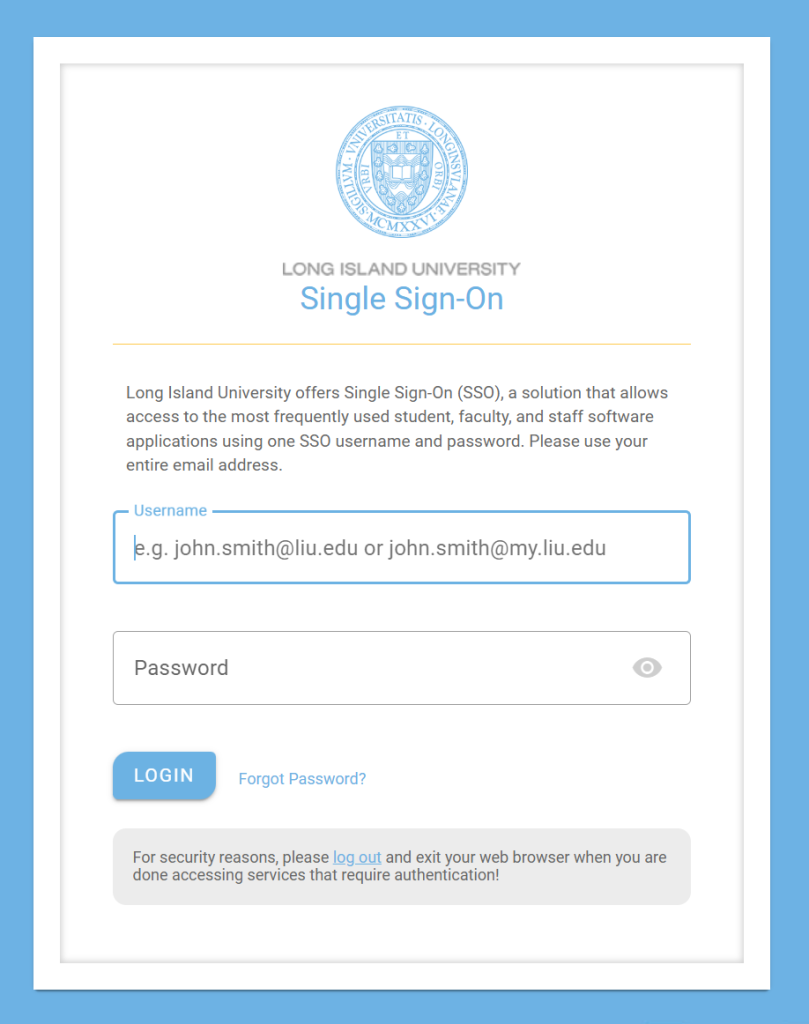
To start enrolling a new device, you must first go to duo.liu.edu and log in with you LIU credentials.
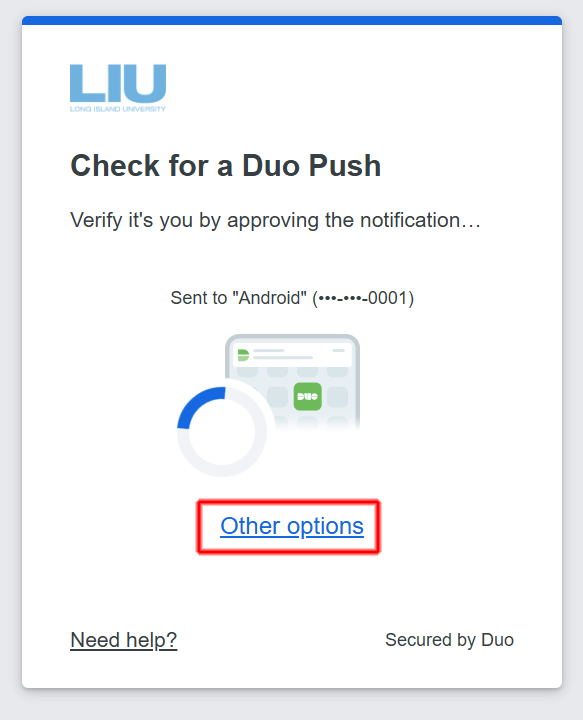
At the push notification screen, click the link that says Other options
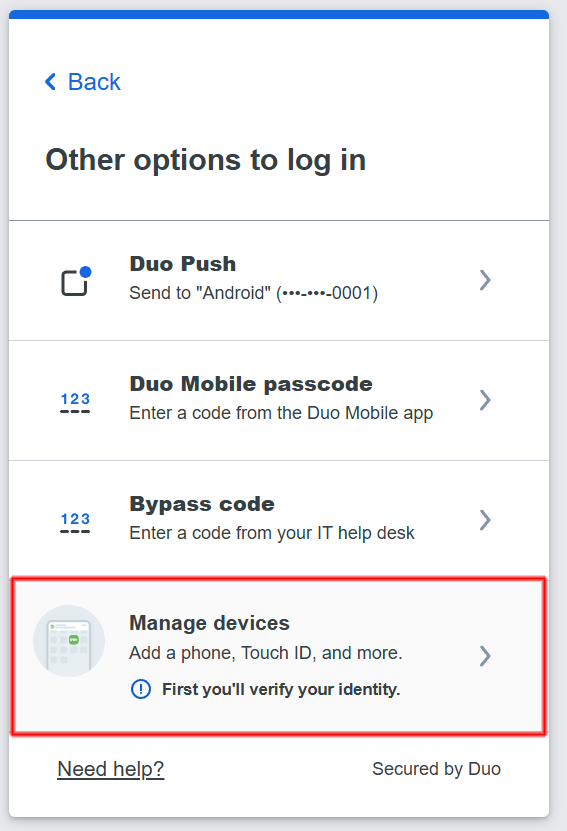
From the menu select Manage devices
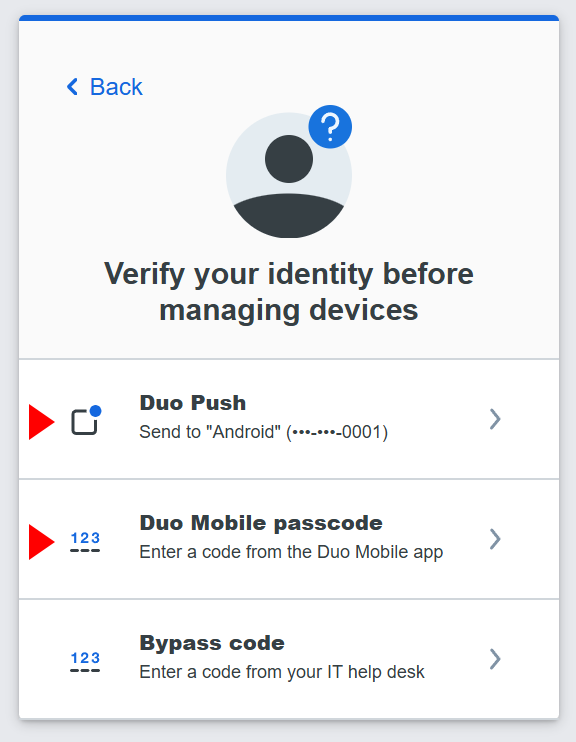
You will need to verify this choice and may receive an additional push notification. Select either of the top two options for the verification.
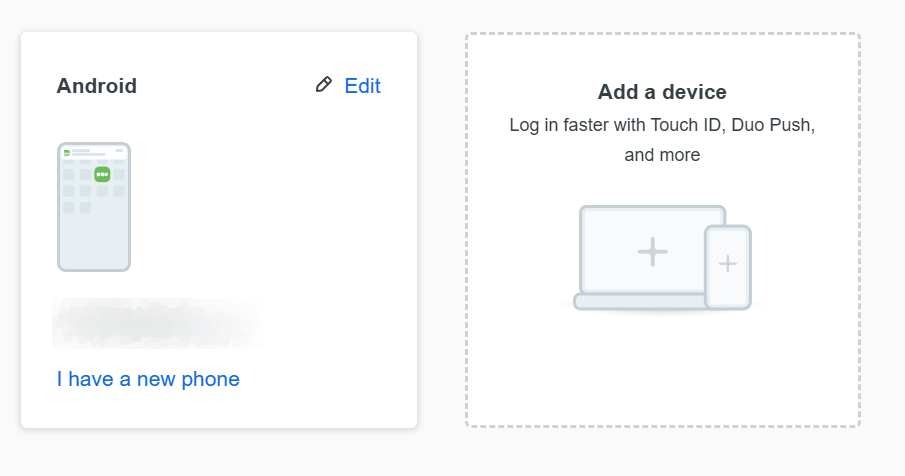
Once verified, you will be brought into the device management center. Select the Add a device tile and follow the prompts as you did during the first set up.
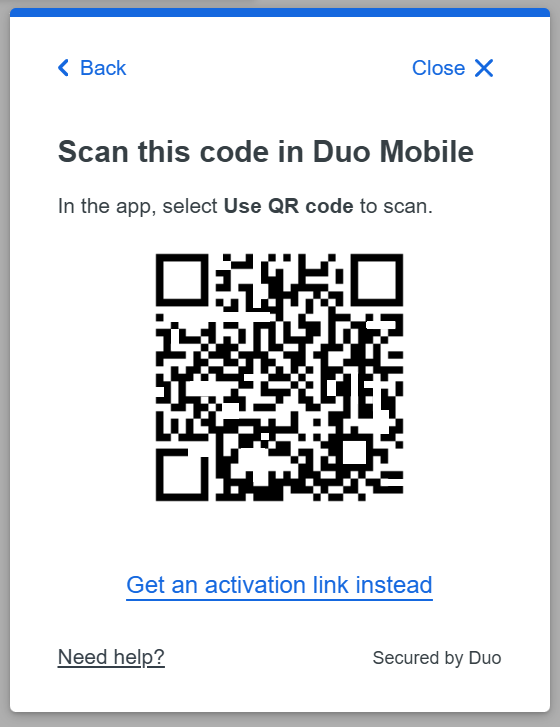
You will be prompted with a QR code similar to the one below. Install DUO Mobile on the new device and add a new account using the QR code.
The new device is now added and listed with your other enrolled devices.