

DUO Security
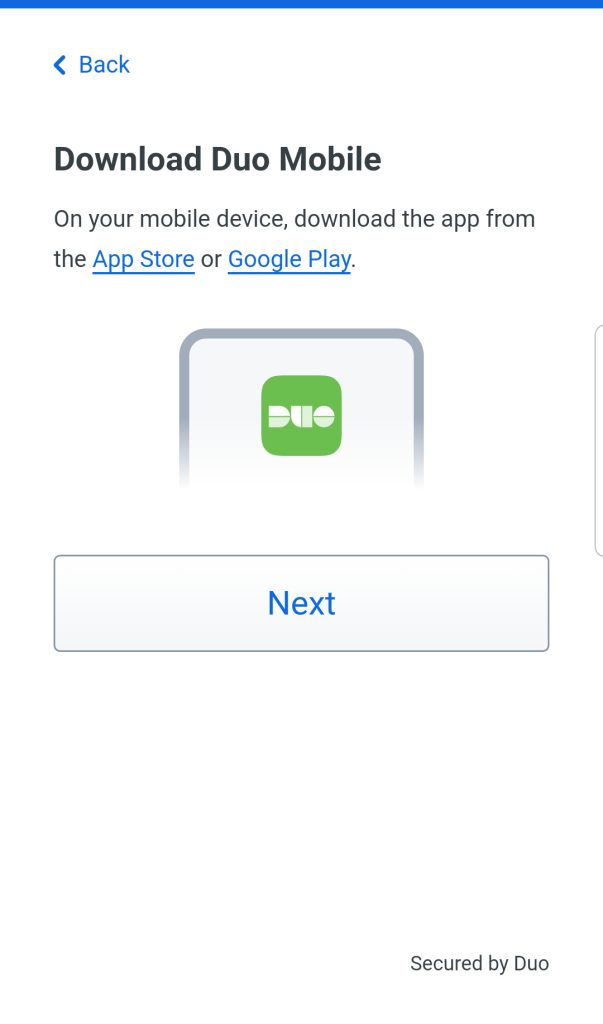
Before starting, it is recommended to download and install the Duo Security app on your mobile device. you can get it from the Apple Store or Google Play.
 |
 |
Then on your computer, Go to duo.liu.edu and follow the steps below.
Step 1: Welcome Screen
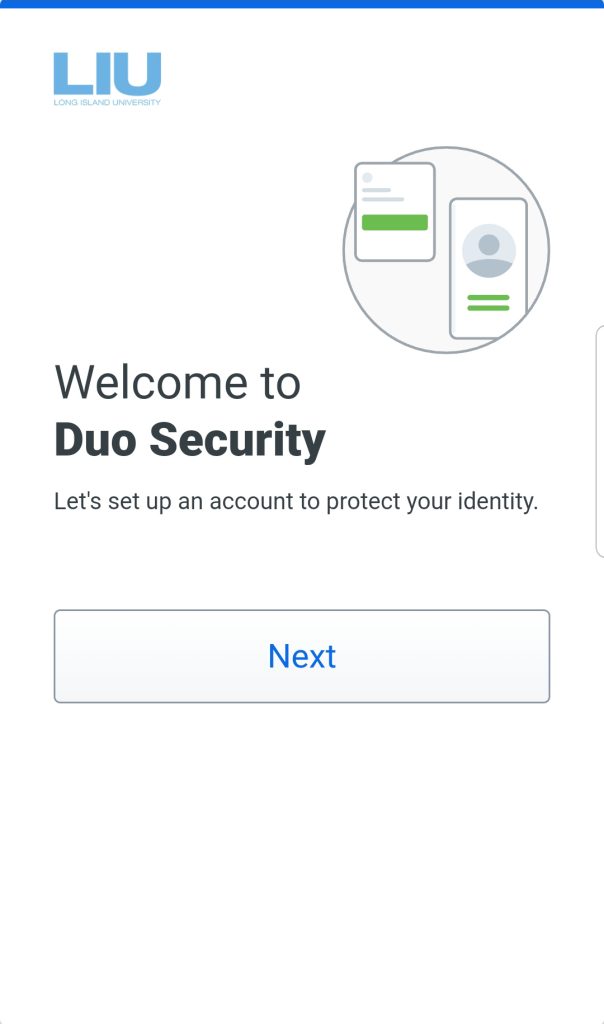
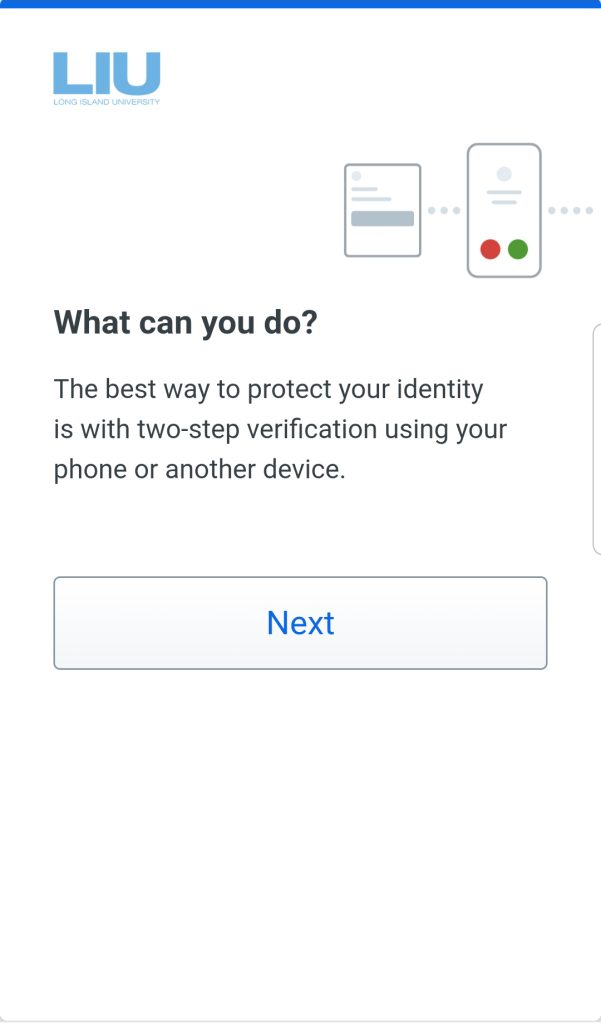
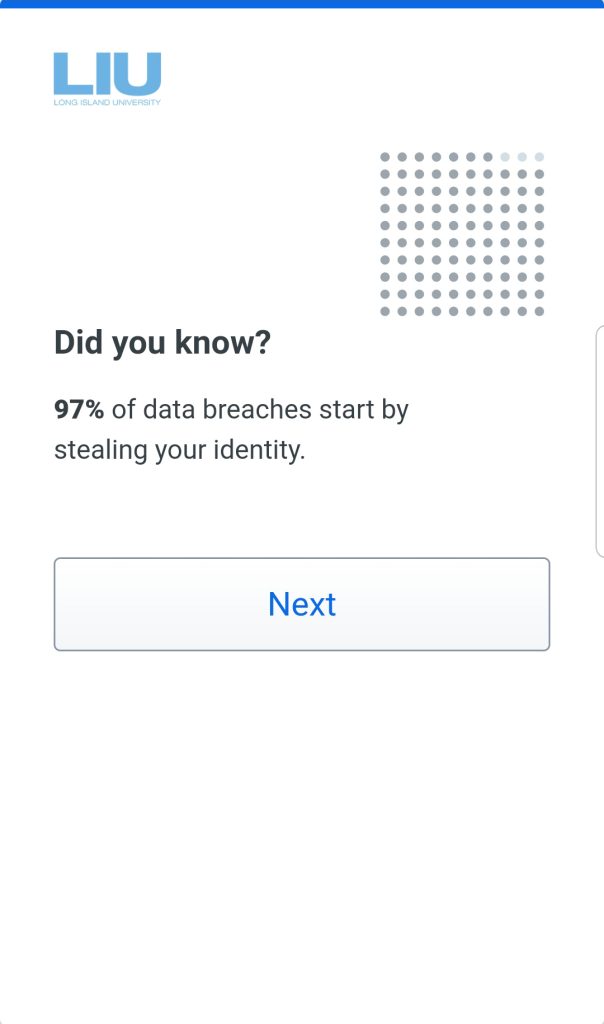
After Logging in you will be greeted with a welcome screen, click next through the various screens until it asks for a phone number.
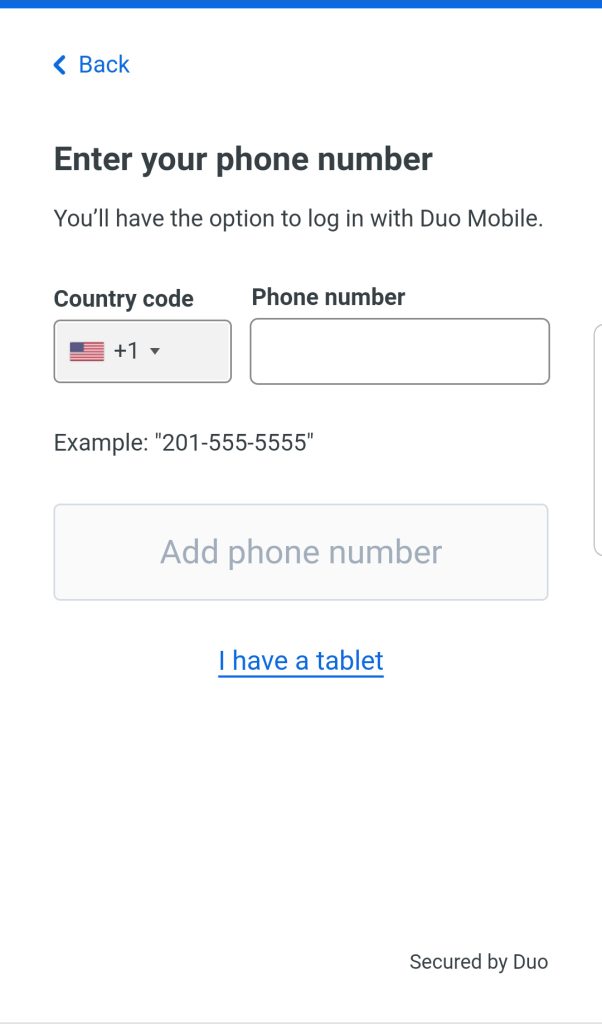
Step 2: Enter Your Phone Number
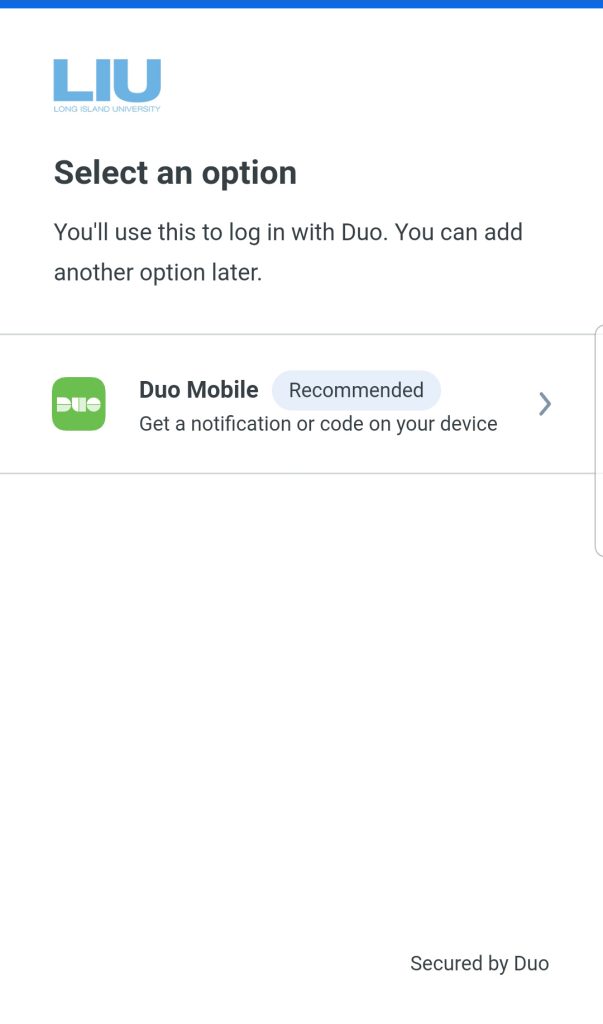
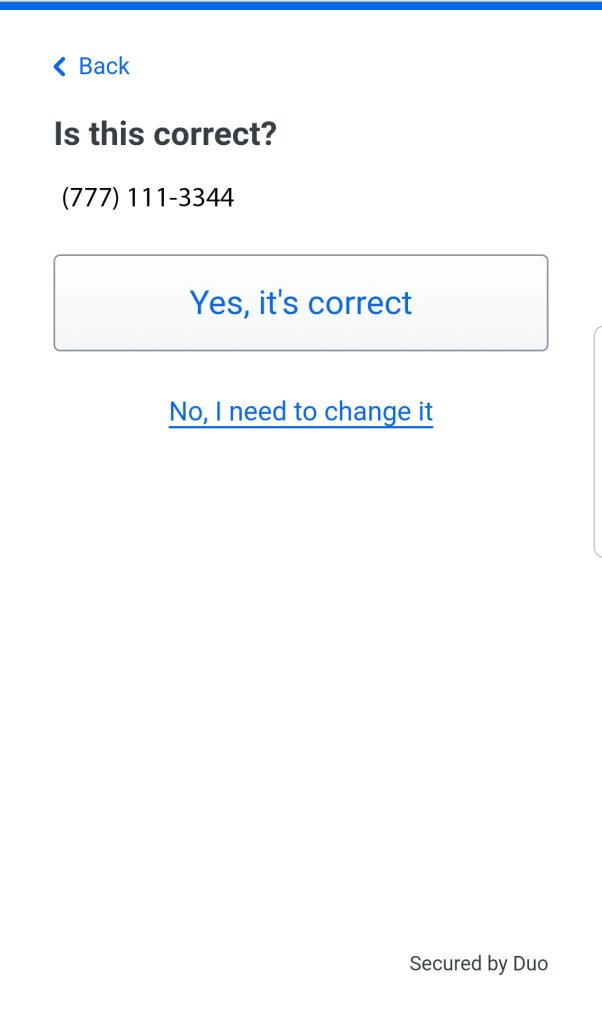
Click on the recommended Duo Mobile option as shown below, select your country code from the drop-down list, then enter the phone number of the device you will be using for verification. Then click on Add phone Number, (If you’re enrolling a tablet click on I have a Tablet). Then verify that the number you entered is correct.
Step 3:
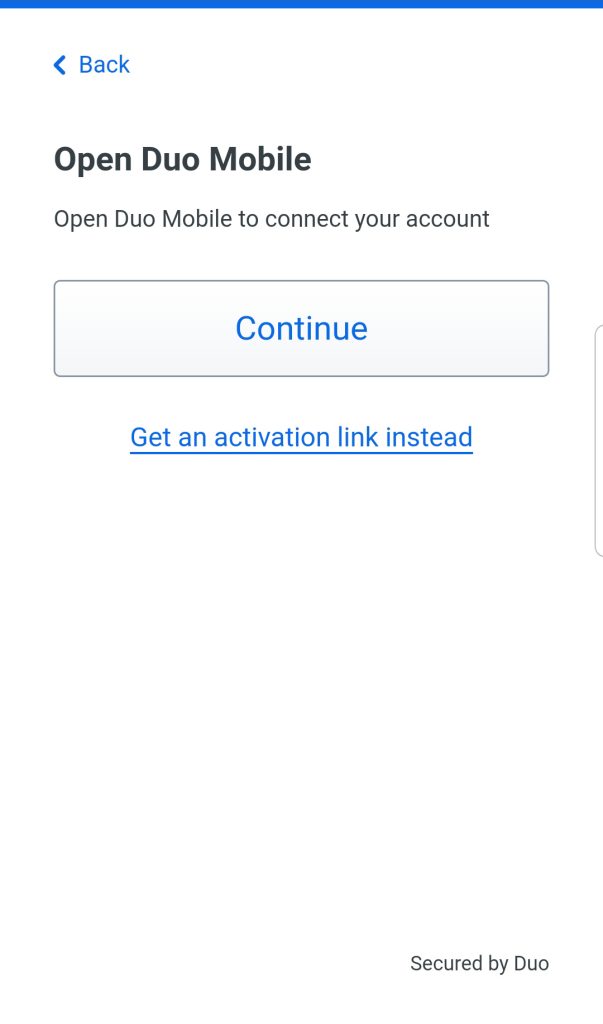
If you haven’t don so already, install the DUO Mobile App on your device. Once done click Next. Then on the following screen click Continue.
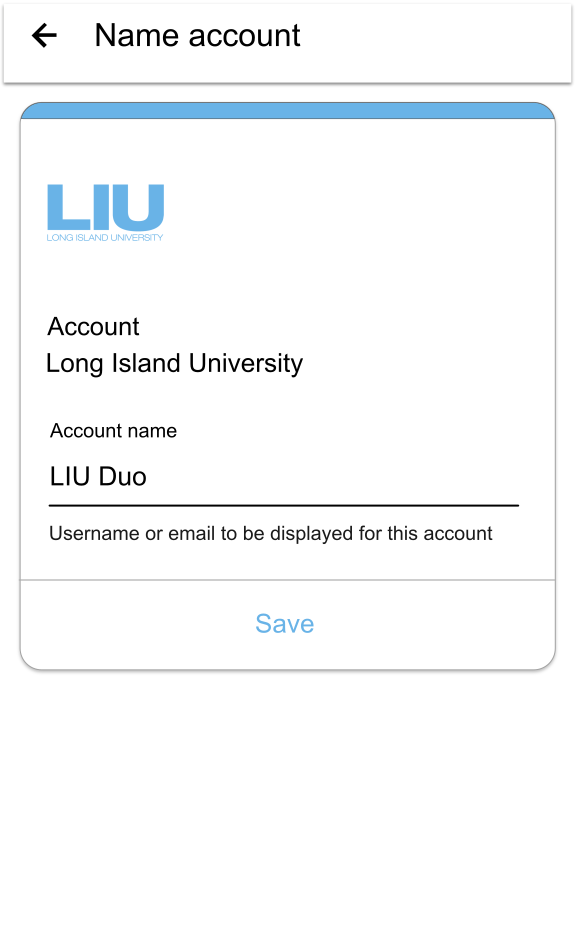
Step 4: Adding LIU to your Duo app
You can put a custom name for the account or leave the default “Long Island University”. Click SAVE and if prompted allow notifications or adjust in settings. Your account has been added to the DUO mobile App.
Congratulations!
Your device is ready to approve Duo push authentication requests.