

Sharing an Echo recording
You can add three types of content to Echo360video:
- Videos: classroom lecture captures, personal captures, or video files from your computer.
- Presentations: PowerPoint and Keynote presentations, PDF files, or presentations built in echo.
- Interactive media: polls
After recording a class session in Echo360, you may want to share that recording with the class for review. Before adding content, make sure you’ve created the class first.
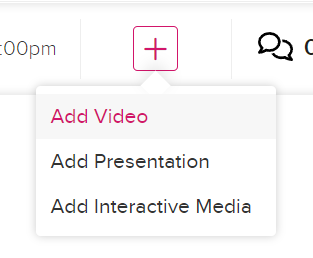
- Click on the + icon next to your class session.

- Select what type of content you are adding. (video, presentation or interactive elements like a poll)
Adding a recorded Video
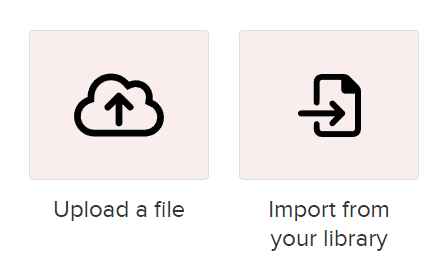
When adding a video to your class you have two options. You can upload a file you’ve recorded/created or import it from your Echo library if you captured it in class. Click here to find out more on recording lectures using Universal capture.
Adding a Presentation
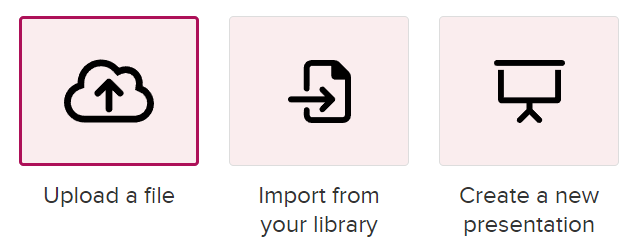
When adding a presentation, you have three options upload a file, import from your library or to create a presentation in the Echo platform.
Adding Interactive Media
Use this option to add a poll to the class if you have created one. Click here to find out about making Polls